

Get Ready for the New Term
Helping you travel with confidence
Whether you're travelling with First Bus for the first time or returning after a break, we're here to help make your journey as smooth as possible. From planning your route and choosing the right ticket to boarding with confidence, here's everything you need to know before you travel.
New to First Bus?
Read the steps below to make sure you're travelling with confidence:
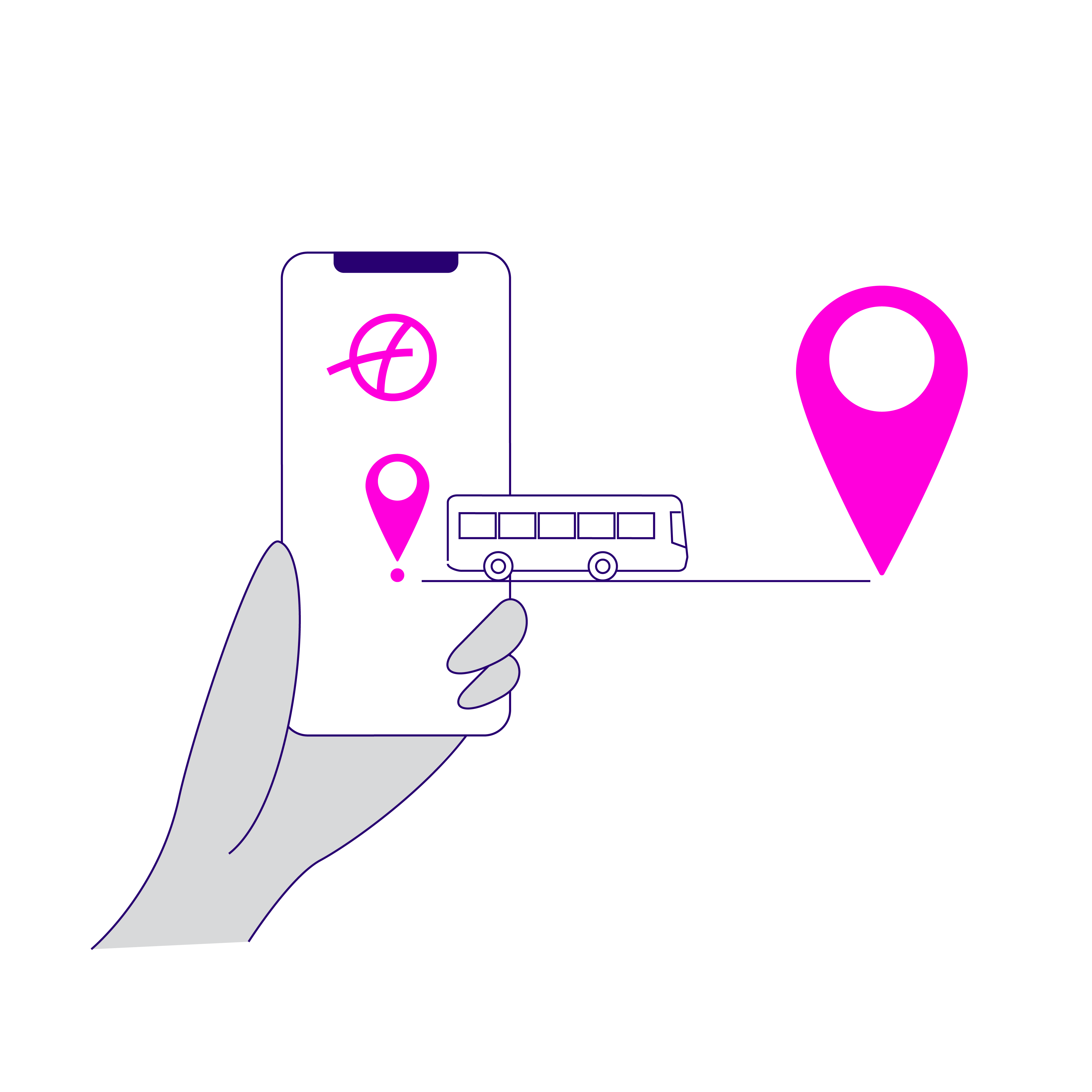
Plan your journey
Use the First Bus app or website to plan your journey before you travel. You can check timetables, find nearby stops and see the best journey options for your destination.
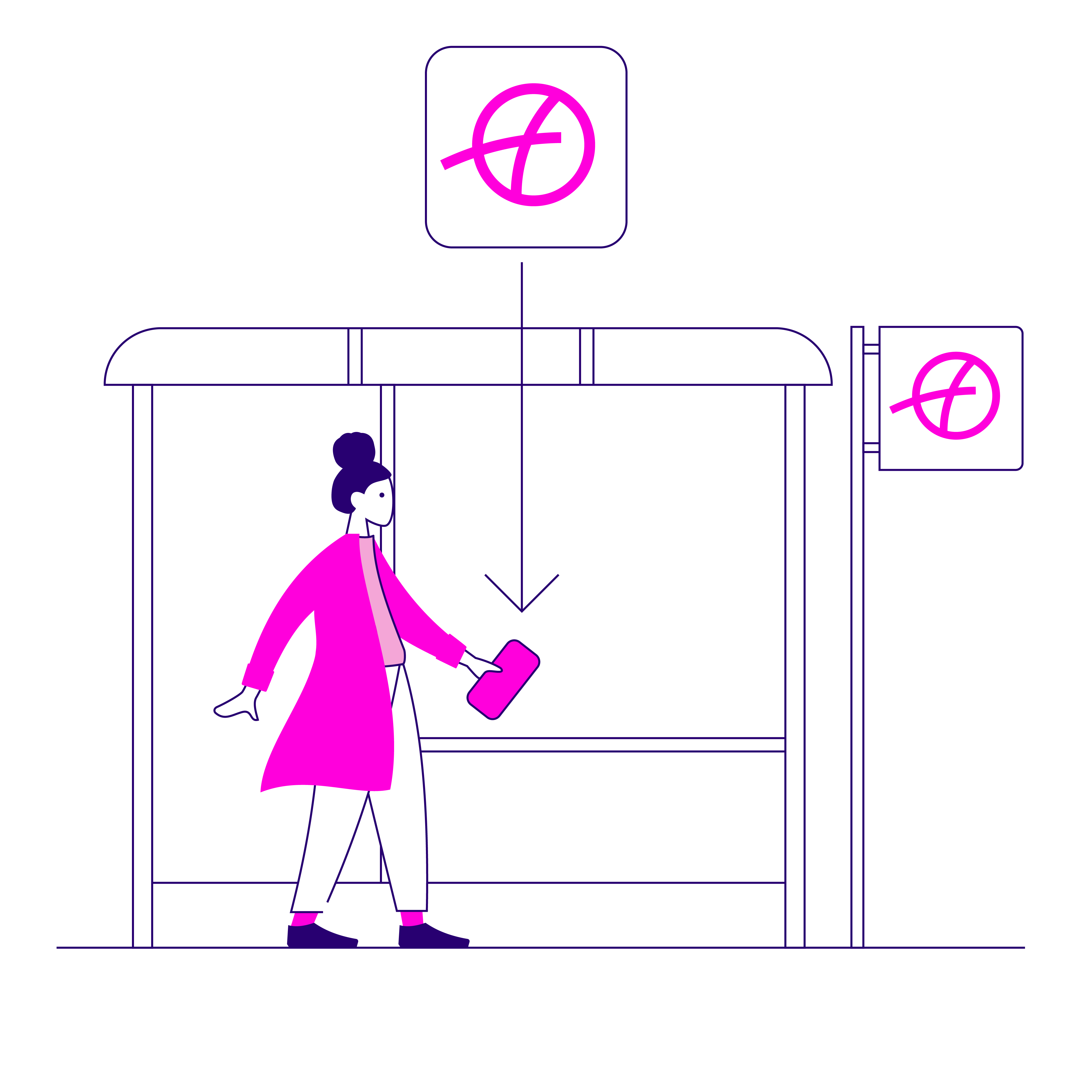
Know what to expect
Travelling somewhere new? Planning your journey in advance can help you feel more confident. Check where to catch your bus, how long your journey is likely to take and where to get off before you set off.

Choose the right ticket
Before you travel, check which ticket best suits your journey. You can find information about ticket types, prices and where tickets can be used on the First Bus app and website.

Leave plenty of time
Services can be busier during peak travel periods, especially in September. Allow extra time for your journey and use the First Bus app to track your bus in real time and check how busy it is before it arrives.
.png)
Activate mobile tickets when boarding
If you've purchased a ticket in the app, wait until you're boarding to activate it. Then scan the barcode beneath the ticket machine. If you keep bank cards in your phone case, make sure they're removed before scanning.
Student Travel
If you're travelling with a student ticket, remember to keep your valid student ID with you and be ready to show it to the driver when boarding.
Already have a First Bus account? No problem. You can purchase student tickets using your existing account and email address. There's no need to create a new account.

Gifting & Promo Codes
.png)
Ticket Gifting
Want to gift a ticket to someone? Use our ticket gifting feature on the First Bus app. Look for the 'Giftable' flag when buying a ticket and send directly to their phone using the steps below:
-
Tap Gift in the top right hand side of your screen
-
Select which tickets you'd like to gift
-
Tap 'Share gift'
-
Choose how you want to gift your ticket(s).
-
The recipient will then receive a notification.

Promo Codes
If you've received a promotional code through your school, college or university and it's not working, make sure:
- You're entering the code exactly as provided
- The code is being used against the correct ticket product
- The promotion is still valid.
If you're having issues, contact your institution to confirm the details of the offer. If you have any other questions you can view our Help & Support


